

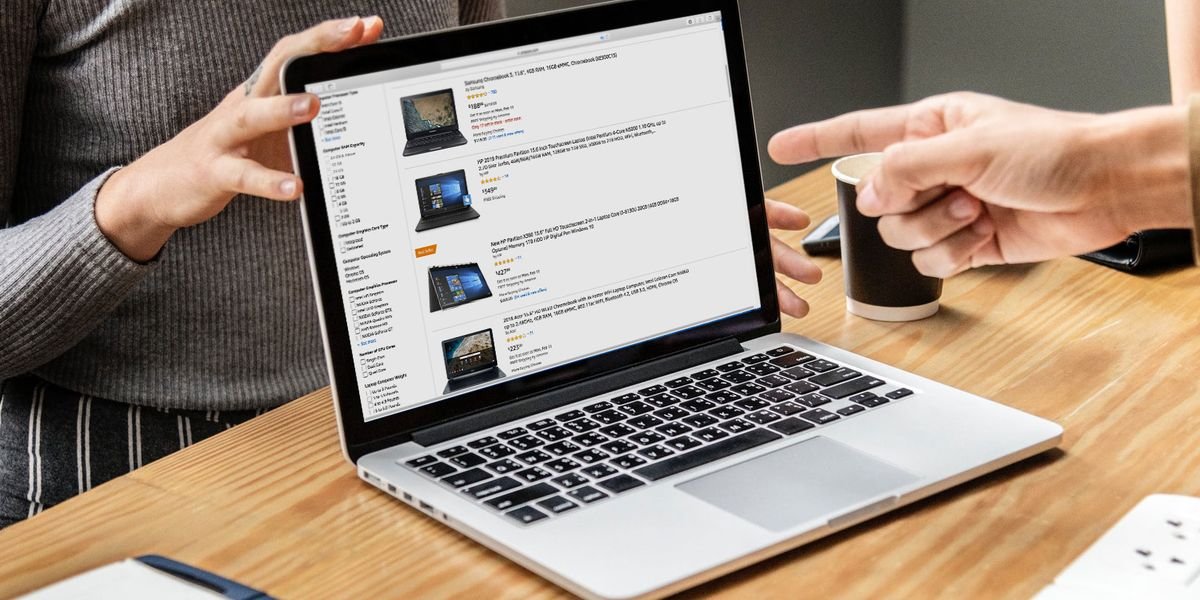
Buying a new laptop is an important decision because it is a device most people use every day for work, education, business, entertainment, and communication. With hundreds of models available from different manufacturers, selecting the right laptop can feel confusing. Specifications such as processors, RAM, storage, graphics cards, and display technology often make it difficult for buyers to compare products and determine which one offers the best value.
The right laptop is not necessarily the most expensive one. Instead, it is the laptop that matches your daily workload, fits your budget, and provides reliable performance for years. Whether you are a student, professional, content creator, gamer, or casual user, understanding the essential features will help you make a smart purchasing decision.
This guide explains everything you should consider before buying a laptop, helping you avoid common mistakes and choose a device that meets your present and future needs.
Identify Your Primary Purpose
Before comparing specifications, determine how you plan to use the laptop. Your daily tasks will have the biggest influence on the type of hardware you need.
For basic activities such as web browsing, email, streaming videos, and document editing, an entry-level or mid-range laptop is usually sufficient. Students and office workers generally need dependable performance rather than high-end gaming hardware.
Creative professionals working with graphic design, photography, video editing, or animation should look for faster processors, more memory, and dedicated graphics. Gamers and engineers often require even more powerful hardware capable of handling demanding software and modern games.
Understanding your primary use helps narrow your options and prevents unnecessary spending.
Set a Realistic Budget
Laptop prices vary significantly depending on features and hardware. Establishing a budget before shopping allows you to focus on devices that provide the best value.
Budget laptops are ideal for everyday tasks such as browsing the web, attending online classes, and using office applications.
Mid-range laptops provide stronger performance, better displays, improved build quality, and faster storage, making them suitable for multitasking and professional work.
Premium laptops offer advanced processors, dedicated graphics, premium materials, and additional features such as OLED displays, high refresh rates, and extended battery life.
Choosing a laptop within your budget while meeting your performance requirements is more practical than paying extra for features you may never use.
Choose the Right Processor
The processor is the most important component of a laptop because it determines how quickly the system performs everyday tasks.
Modern laptops commonly use processors from Intel, AMD, or Apple.
Intel Core i5 and AMD Ryzen 5 processors are excellent choices for students, professionals, and general users. They provide reliable performance for office work, browsing, video conferencing, and multitasking.
Users who regularly edit videos, create graphics, develop software, or perform demanding workloads may benefit from Intel Core i7, Intel Core Ultra, AMD Ryzen 7, or Apple M-series processors.
Selecting a modern processor improves performance, efficiency, and long-term usability.
Select the Right Amount of RAM
Memory affects how smoothly your laptop handles multiple applications at the same time.
A laptop with 8GB of RAM comfortably supports web browsing, office software, streaming, and online learning.
For heavier multitasking, programming, creative work, or professional applications, 16GB of RAM provides additional flexibility and improves responsiveness.
Power users who frequently work with virtual machines, large media projects, or engineering software may consider 32GB or more.
Choosing sufficient memory helps extend the useful life of your laptop.
SSD Storage Is Essential
Storage affects both capacity and speed. Solid-state drives (SSDs) have become the standard because they load the operating system and applications much faster than traditional hard drives.
A 256GB SSD is suitable for light users, while a 512GB SSD offers a better balance for most people. Users who work with large video files, high-resolution photos, or extensive software libraries may prefer 1TB of storage or more.
Fast SSD storage improves boot times, application loading, and overall system responsiveness.
Display Quality Matters
A laptop display influences productivity, comfort, and entertainment. Since many people spend several hours each day looking at their screens, choosing a quality display is important.
A Full HD (1920×1080) display is recommended for most buyers because it delivers clear text and sharp images. Higher-resolution displays provide additional detail but may increase cost and battery consumption.
Screen size also affects usability. Compact laptops around 13 inches are highly portable, while 14-inch and 15.6-inch models provide more workspace for multitasking.
Brightness, color accuracy, and viewing angles should also be considered, especially if you edit photos or videos.
Battery Life
Battery performance determines how long you can work without connecting to a charger.
Students and professionals who travel frequently should prioritize laptops capable of lasting at least eight hours during normal use. Premium ultrabooks often provide even longer battery life thanks to efficient processors and optimized software.
Actual battery life depends on screen brightness, workload, wireless connectivity, and running applications.
Graphics Performance
Integrated graphics are sufficient for browsing, office work, streaming, and light photo editing. They also consume less power, contributing to better battery life.
Dedicated graphics cards are designed for demanding tasks such as gaming, video editing, 3D rendering, animation, and engineering software. They significantly improve graphics performance but also increase cost and power consumption.
If your work does not involve graphics-intensive applications, integrated graphics usually provide the best value.
Keyboard and Touchpad
A comfortable keyboard improves productivity, especially for users who spend hours typing assignments, reports, or emails.
Look for responsive keys with good spacing and comfortable key travel. A large, accurate touchpad also improves navigation when an external mouse is unavailable.
Backlit keyboards are useful for working in low-light environments.
Build Quality
A laptop should withstand daily use without developing structural issues.
Metal chassis generally provide greater rigidity, while high-quality plastic designs reduce weight and cost. Strong hinges, durable materials, and quality construction contribute to a longer lifespan.
If you frequently carry your laptop, consider both durability and weight before making a purchase.
Connectivity Options
Modern laptops should provide enough ports for your accessories and external devices.
Useful connections include:
- USB-C
- USB-A
- HDMI
- Audio jack
- Wi-Fi 6 or newer
- Bluetooth
- SD card reader (on some models)
Having the right ports reduces the need for additional adapters.
Operating System
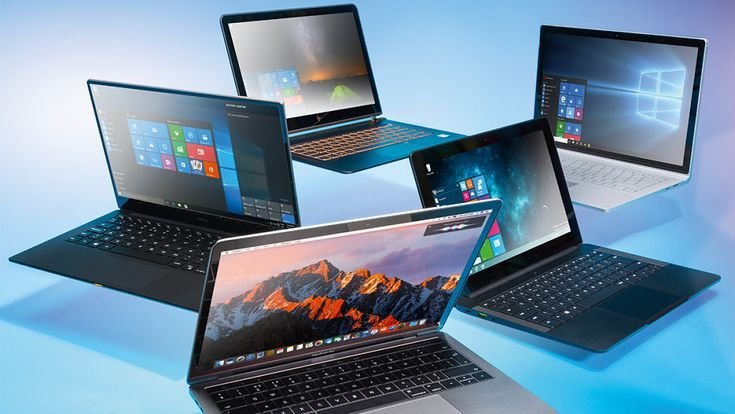
Most laptops run Windows, macOS, or ChromeOS.
Windows provides broad software compatibility and is available across many price ranges.
macOS offers strong optimization, excellent battery efficiency, and seamless integration with other Apple devices.
ChromeOS is suitable for users who primarily work online using web applications and cloud storage.
Choose an operating system that supports the software you use most often.
Security Features
Modern laptops include several security technologies that help protect personal and professional information.
Useful features include:
- Fingerprint reader
- Facial recognition
- TPM security chip
- Webcam privacy shutter
- Device encryption
These features improve data protection and account security.
Compare Laptop Brands
Several manufacturers consistently produce reliable laptops.
Popular brands include:
- Apple
- Dell
- HP
- Lenovo
- ASUS
- Acer
- Microsoft
- MSI
- Samsung
Each brand offers devices across different price categories and performance levels. Comparing warranty coverage, customer support, and software updates is just as important as comparing hardware.
Common Buying Mistakes
Many buyers purchase laptops based only on processor names or marketing claims without considering their actual needs. Choosing insufficient storage or too little memory often leads to reduced performance after only a short period.
Another common mistake is purchasing a gaming laptop for simple office work, resulting in higher costs, shorter battery life, and unnecessary weight.
Failing to compare warranty coverage, repair services, and software support can also create problems later.
Recommended Specifications for Most Users
For balanced everyday performance, the following configuration works well:
- Intel Core i5, AMD Ryzen 5, or Apple M-series processor
- 16GB RAM
- 512GB SSD
- Full HD display
- Battery life of at least eight hours
- Wi-Fi 6 support
- Backlit keyboard
- Windows 11 or the latest version of macOS
This combination provides smooth performance for work, education, entertainment, and multitasking.
Frequently Asked Questions
How much RAM should I buy?
Most users will have an excellent experience with 16GB of RAM. Light users can choose 8GB, while professionals handling demanding workloads may require 32GB.
Is SSD better than HDD?
Yes. SSDs are significantly faster, quieter, more durable, and improve overall system performance.
Which processor is best?
Intel Core i5, AMD Ryzen 5, and Apple M-series processors provide an excellent balance of speed, efficiency, and value for most users.
Should I buy a touchscreen laptop?
A touchscreen is useful for note-taking, drawing, and tablet-style use, but it is not essential for everyone.
How long should a laptop last?
A quality laptop can typically remain reliable for five to seven years with proper maintenance and regular software updates.
Is a dedicated graphics card necessary?
Only users who play modern games or work with graphics-intensive software generally need dedicated graphics.
Which screen size is best?
A 14-inch or 15.6-inch laptop offers the best balance between portability and comfortable workspace for most users.
Should I buy online or in-store?
Both options are suitable. Compare prices, warranty terms, customer reviews, and return policies before making your purchase.
Final Thoughts
Choosing the right laptop begins with understanding how you plan to use it. Rather than focusing only on the highest specifications, evaluate the processor, memory, storage, display quality, battery life, build quality, and operating system based on your daily requirements.
A well-balanced laptop with a modern processor, 16GB of RAM, SSD storage, a Full HD display, and reliable battery life will comfortably handle most workloads for many years. Taking time to compare different models and prioritizing long-term value over unnecessary features will help you invest in a laptop that supports your work, studies, and personal projects with confidence.





Leave a Reply