

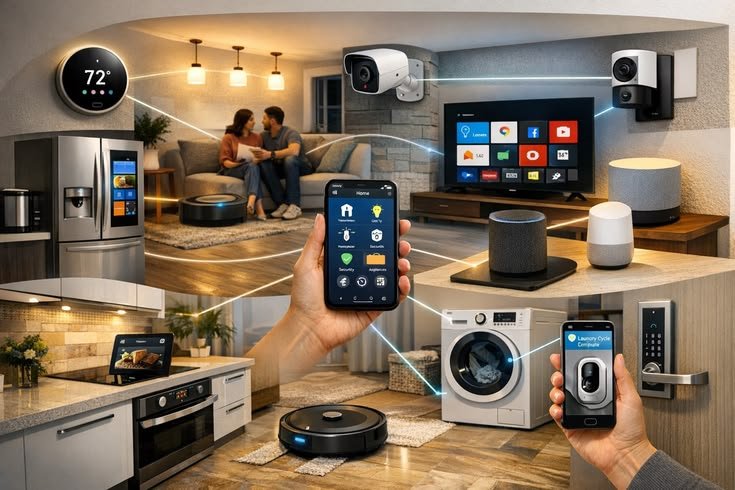
Home automation has changed the way people interact with their homes by allowing everyday devices to communicate with each other and perform tasks automatically. Instead of manually switching lights on and off, adjusting the thermostat, locking doors, or checking security cameras, homeowners can control these functions using a smartphone, voice assistant, or automated routines.
Modern home automation systems are no longer limited to luxury homes. Affordable smart devices now make it possible for almost anyone to build a connected home that improves convenience, security, energy efficiency, and comfort.
Whether you are creating your first smart home or expanding an existing setup, careful planning is important. Choosing compatible devices, maintaining a secure network, and building your system gradually will help create a reliable and efficient smart home.
This guide explains everything beginners need to know about setting up a home automation system.
What Is Home Automation?
Home automation refers to the use of internet-connected devices that automatically perform tasks or respond to commands without requiring manual operation.
These devices communicate through your home network and can often be managed using:
- Smartphone apps
- Tablets
- Smart speakers
- Smart displays
- Voice assistants
- Automation routines
Home automation reduces repetitive tasks while giving homeowners greater control over their property.
Benefits of Home Automation
A properly configured smart home provides many practical advantages.
Major benefits include:
- Remote device control
- Increased home security
- Energy savings
- Greater convenience
- Automatic scheduling
- Voice control
- Improved accessibility
- Better device management
- Increased property value
Many homeowners begin with only a few smart devices and expand their systems over time.
Plan Your Smart Home
Before purchasing devices, identify your priorities.
Ask yourself:
- Do you want better security?
- Are you interested in energy savings?
- Do you want voice control?
- Are you building a connected entertainment system?
- Do you need remote monitoring?
Planning ahead helps avoid compatibility issues and unnecessary purchases.
Build a Reliable Wi-Fi Network
A strong wireless network is the foundation of every smart home.
Your network should provide:
- Stable Wi-Fi coverage
- Fast internet speeds
- Reliable signal strength
- Modern security encryption
- Support for multiple connected devices
If your home is large, consider using a mesh Wi-Fi system to eliminate weak signal areas.
Choose a Smart Home Ecosystem
Most home automation systems revolve around a primary ecosystem.
Common ecosystems support:
- Voice control
- Automation routines
- Device management
- Remote access
- Smart home dashboards
Selecting one ecosystem before buying devices improves compatibility and simplifies management.
Install a Smart Speaker
A smart speaker often serves as the central controller for a connected home.
Common functions include:
- Voice commands
- Music playback
- Device control
- Weather updates
- Calendar management
- Shopping lists
- Timers
- Home automation routines
Many users begin their smart home journey with a single smart speaker.
Add Smart Lighting
Smart lighting is one of the easiest upgrades.
Smart lights allow users to:
- Turn lights on remotely
- Dim brightness
- Schedule lighting
- Create lighting scenes
- Group multiple lights
- Save energy
Lighting automation can improve both convenience and security.
Install Smart Plugs
Smart plugs convert ordinary electrical devices into connected devices.
They work well with:
- Lamps
- Coffee makers
- Fans
- Holiday lights
- Small appliances
- Phone chargers
Smart plugs are inexpensive and require very little setup.
Improve Home Security
Security is often the main reason homeowners invest in automation.
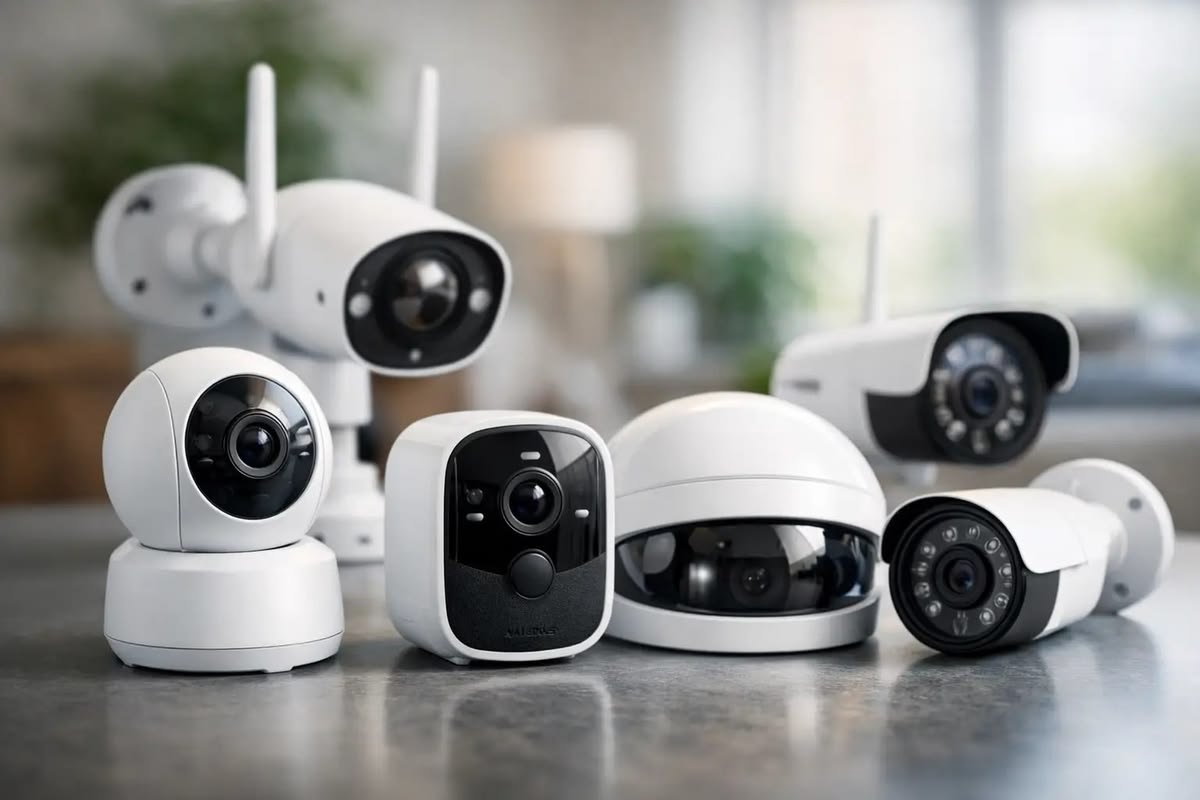
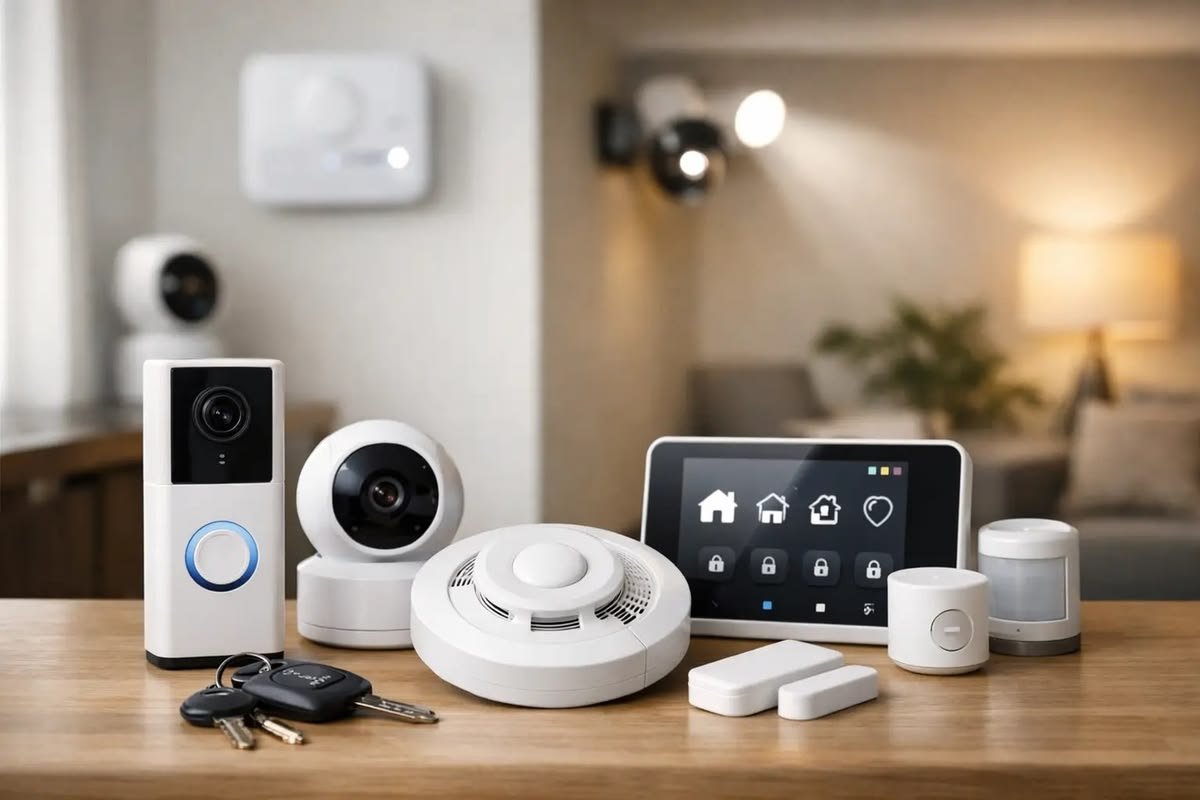
Popular smart security devices include:
- Security cameras
- Video doorbells
- Motion sensors
- Door sensors
- Window sensors
- Smart locks
- Alarm systems
Combining these devices provides comprehensive home monitoring.
Add Smart Thermostats
Smart thermostats automatically regulate heating and cooling.
Benefits include:
- Lower energy usage
- Comfortable indoor temperatures
- Automatic schedules
- Remote temperature control
- Energy reports
They can reduce unnecessary heating and cooling throughout the day.
Automate Daily Routines
Automation routines allow several actions to occur automatically.
Examples include:
Morning Routine
- Turn on bedroom lights
- Read weather forecast
- Announce calendar events
- Start coffee maker
Leaving Home
- Turn off lights
- Lock doors
- Activate security cameras
- Adjust thermostat
Bedtime Routine
- Turn off lights
- Lock doors
- Lower thermostat
- Arm security system
These routines simplify everyday life.
Connect Smart Sensors
Sensors allow devices to respond automatically to environmental changes.
Common sensor types include:
- Motion sensors
- Door sensors
- Window sensors
- Temperature sensors
- Water leak detectors
- Smoke detectors
Sensors make automation more intelligent and responsive.
Control Everything from Your Phone
Nearly every smart home device includes a mobile application.
These apps allow users to:
- Monitor cameras
- Unlock doors
- Turn lights on or off
- Adjust thermostats
- Review activity history
- Create automation rules
Remote access allows homeowners to control their property from almost anywhere.
Voice Automation
Voice assistants simplify smart home control.
Examples include:
- Turn off all lights
- Lock the front door
- Play relaxing music
- Show security cameras
- Increase room temperature
- Start cleaning robot
Voice control eliminates the need to manually operate many devices.
Smart Entertainment
Entertainment devices can also become part of your smart home.
Automation may include:
- Smart televisions
- Streaming devices
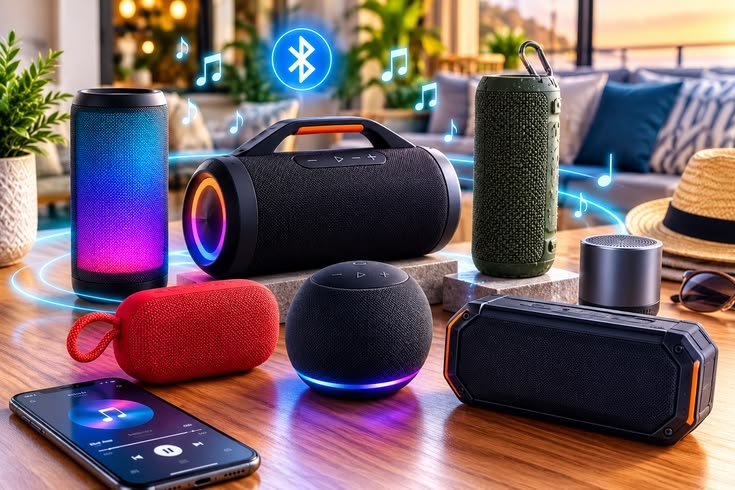
- Wireless speakers
- Home theater systems
- Multi-room music
These devices can work together through voice commands or scheduled routines.
Energy Management
Automation can reduce electricity consumption.
Energy-saving strategies include:
- Automatic light schedules
- Occupancy-based lighting
- Smart thermostat scheduling
- Appliance timers
- Smart plugs
- Energy monitoring devices
Small improvements can reduce long-term utility costs.
Protect Your Smart Home
Cybersecurity is an essential part of home automation.
Protect your system by:
- Using strong passwords
- Enabling two-factor authentication
- Updating device firmware
- Securing your Wi-Fi network
- Removing unused devices
- Monitoring account activity
A secure network protects both your devices and personal information.
Expand Your Smart Home Gradually
Avoid purchasing too many devices at once.
A good upgrade path is:
- Smart speaker
- Smart lighting
- Smart plugs
- Security camera
- Video doorbell
- Smart thermostat
- Smart locks
- Motion sensors
- Robot vacuum
- Advanced automation
Expanding gradually makes setup and troubleshooting much easier.
Common Home Automation Mistakes
Many beginners experience problems because they:
- Buy incompatible devices
- Ignore Wi-Fi quality
- Skip firmware updates
- Use weak passwords
- Install devices in poor locations
- Purchase too many products initially
- Forget to back up automation settings
Planning ahead prevents many of these issues.
Maintenance Tips
Regular maintenance keeps your smart home operating reliably.
Good practices include:
- Update firmware regularly
- Replace batteries when needed
- Review automation routines
- Test sensors monthly
- Clean cameras and smart devices
- Restart devices occasionally
- Check Wi-Fi performance
Routine maintenance improves long-term reliability.
Frequently Asked Questions
Is home automation expensive?
No. You can begin with affordable devices such as smart speakers, smart bulbs, and smart plugs, then expand over time.
Do smart home devices require Wi-Fi?
Most devices require Wi-Fi for remote access, automation, and cloud services.
Can I install smart devices myself?
Yes. Most consumer smart home products are designed for simple installation using a smartphone app and basic household tools.
Is home automation secure?
It can be very secure when you use strong passwords, enable two-factor authentication, update firmware regularly, and protect your Wi-Fi network.
Can devices from different manufacturers work together?
Many smart devices support common smart home standards, allowing products from different manufacturers to work together.
What should I automate first?
Most beginners start with smart speakers, smart lighting, smart plugs, and security cameras because they are easy to install and provide immediate benefits.
Can I control my home while traveling?
Yes. Most smart home systems allow remote access through mobile apps as long as both your phone and home network have internet access.
Does home automation save energy?
Yes. Automated lighting, smart thermostats, and energy monitoring devices can reduce unnecessary electricity consumption and improve efficiency.
Final Thoughts
Home automation is one of the most practical ways to improve convenience, security, and energy efficiency. By starting with a reliable Wi-Fi network, selecting compatible devices, and expanding your system gradually, you can create a smart home that is easy to manage and tailored to your lifestyle.
A successful setup begins with simple devices such as smart speakers, lights, and plugs before adding security cameras, smart locks, thermostats, and sensors. Regular software updates, good cybersecurity practices, and thoughtful planning will keep your smart home running smoothly for years. Whether your goal is saving energy, improving security, or making daily tasks easier, a well-designed home automation system offers lasting value and a more connected living experience.

Leave a Reply