

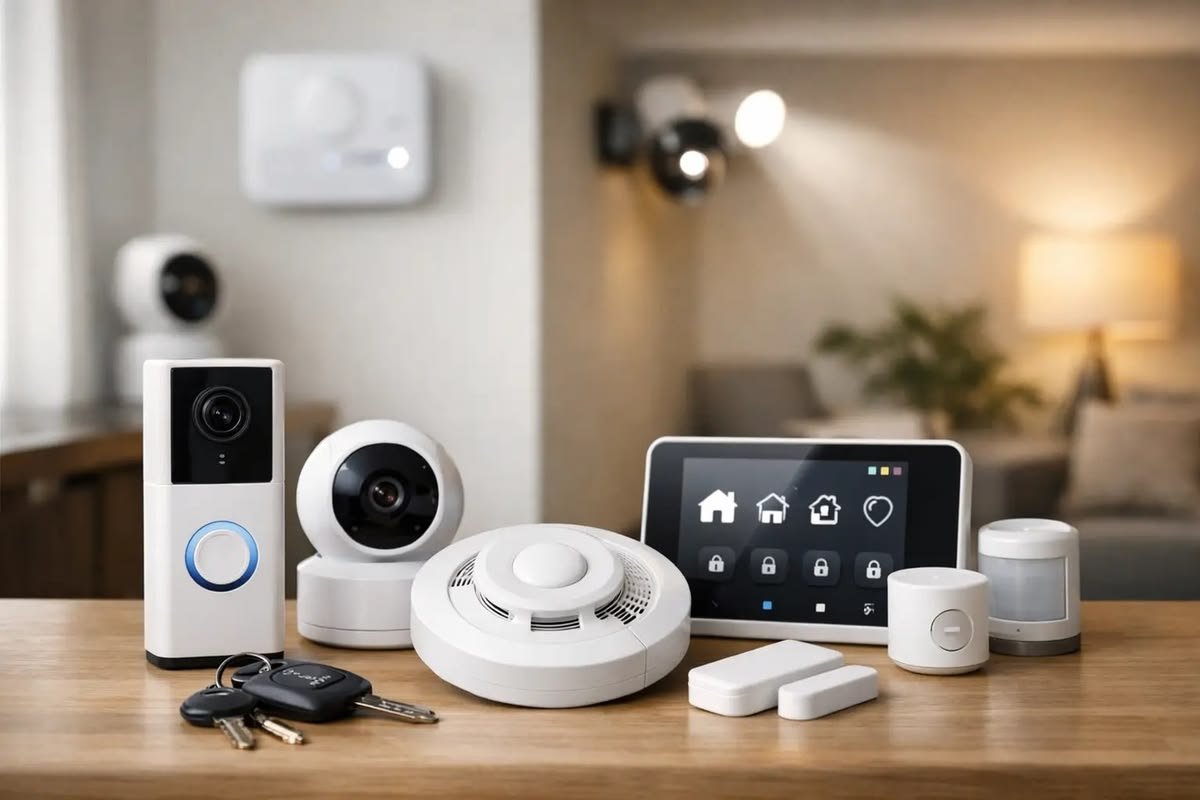
Smart home technology has become more affordable and easier to use than ever before. Devices that once seemed like luxury products are now common in many homes, helping people improve convenience, security, energy efficiency, and everyday comfort. Whether you want to control your lights with your voice, monitor your home while traveling, or automate daily routines, smart home devices provide practical solutions for modern living.
For beginners, the variety of available products can feel overwhelming. Hundreds of devices are available from different brands, each offering unique features and compatibility options. Starting with the right products makes it easier to build a reliable smart home without spending unnecessary money.
This guide explains the best smart home devices for beginners, how they work, what features to look for, and how to choose products that match your needs.
What Is a Smart Home?
A smart home uses internet-connected devices that can communicate with each other and be controlled through a smartphone, tablet, voice assistant, or automation system.
Instead of manually operating lights, locks, or appliances, users can manage them remotely or create automated routines.
Smart home systems are designed to improve:
- Convenience
- Home security
- Energy efficiency
- Comfort
- Accessibility
- Remote monitoring
Many devices can also work together, allowing multiple actions to occur automatically with a single command.
Benefits of Smart Home Devices
Smart home technology offers advantages beyond convenience.
Some major benefits include:
- Remote control from anywhere
- Voice control
- Energy savings
- Improved home security
- Automatic scheduling
- Easy device monitoring
- Increased home value
- Better accessibility for seniors
Most beginners notice immediate improvements in everyday convenience after installing only a few smart devices.
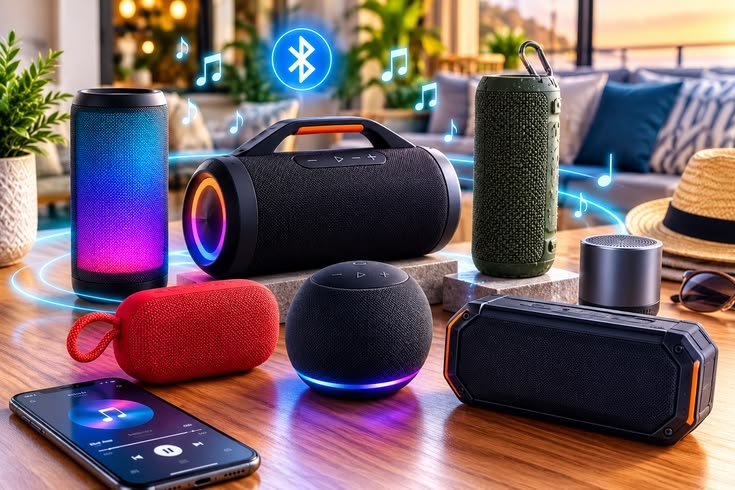
Smart Speakers
A smart speaker is often the first device people purchase when building a smart home.
These speakers respond to voice commands and can control other compatible smart devices.
Popular functions include:
- Playing music
- Setting reminders
- Weather updates
- Controlling lights
- Controlling smart plugs
- Creating routines
- Answering questions
- Managing shopping lists
A smart speaker acts as the central control point for many smart homes.
Smart Displays
Smart displays combine voice assistants with touchscreens.
They provide:
- Video calls
- Security camera viewing
- Calendar management
- Recipes
- Smart home controls
- Entertainment
- Photo displays
A smart display is useful in kitchens, living rooms, and home offices.
Smart Light Bulbs
Smart lighting is one of the easiest upgrades for beginners.
Unlike traditional bulbs, smart bulbs connect to Wi-Fi or a smart hub and can be controlled through an app or voice assistant.
Features often include:
- Brightness adjustment
- Color changing
- Scheduling
- Energy monitoring
- Group control
- Remote access
Smart lighting can improve comfort while reducing electricity usage.
Smart Plugs
Smart plugs allow ordinary electrical appliances to become smart devices.
Simply plug the device into a smart plug and control power remotely.
Common uses include:
- Coffee makers
- Fans
- Lamps
- Holiday decorations
- Phone chargers
- Small kitchen appliances
Smart plugs are affordable and easy to install.
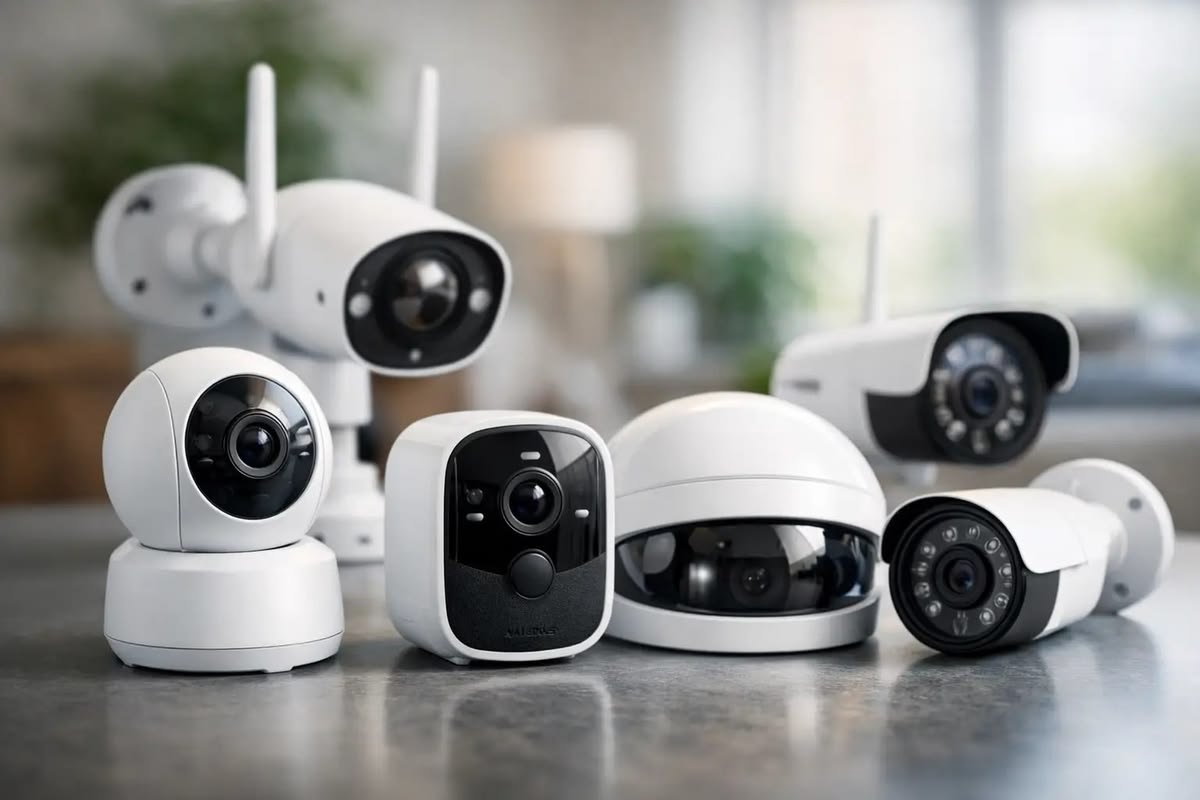
Smart Security Cameras
Home security cameras help monitor property whether you’re at home or away.
Modern smart cameras include:
- HD video
- Night vision
- Motion detection
- Two-way audio
- Mobile notifications
- Cloud recording
- Local storage options
Indoor and outdoor models are available depending on your security needs.
Smart Video Doorbells
Video doorbells allow homeowners to see visitors before opening the door.
Useful features include:
- Live video
- Motion alerts
- Package detection
- Two-way communication
- Night vision
- Mobile viewing
They improve security and provide peace of mind when receiving deliveries.
Smart Door Locks
Smart locks replace traditional keys with digital access methods.
Many support:
- Smartphone unlocking
- PIN codes
- Temporary guest access
- Automatic locking
- Remote management
- Activity logs
They are especially useful for families and rental properties.
Smart Thermostats
Smart thermostats automatically manage home temperatures.
Advantages include:
- Lower energy consumption
- Automatic scheduling
- Remote temperature control
- Learning daily routines
- Energy usage reports
They help maintain comfort while reducing electricity costs.
Smart Sensors
Sensors make home automation more intelligent.
Common sensor types include:
- Motion sensors
- Door sensors
- Window sensors
- Water leak sensors
- Smoke detectors
- Temperature sensors
These devices trigger automatic actions such as turning on lights or sending security alerts.
Robot Vacuum Cleaners
Robot vacuums clean floors automatically using sensors and navigation systems.
Features include:
- Automatic cleaning schedules
- Carpet detection
- Room mapping
- Obstacle avoidance
- Self-charging
- Smartphone control
They save time and reduce manual cleaning.
Smart Home Hubs
A smart hub connects multiple devices into one ecosystem.
Benefits include:
- Centralized control
- Better automation
- Improved compatibility
- Faster response
- Unified management
Although many devices connect directly to Wi-Fi, a hub can simplify larger smart home setups.
Voice Assistants
Most smart homes rely on voice assistants.
They allow users to control devices using natural voice commands.
Common commands include:
- Turn lights on
- Lock the front door
- Play music
- Set timers
- Check weather
- Adjust temperature
Voice control makes smart homes easier for beginners.
Home Networking
A strong Wi-Fi network is essential for reliable smart home performance.
Consider:
- Dual-band or tri-band routers
- Wi-Fi 6 support
- Strong signal coverage
- Secure passwords
- Regular firmware updates
Poor Wi-Fi can reduce device reliability.
Choosing Compatible Devices
Before buying, verify that devices support the same smart home platform.
Compatibility ensures:
- Easy setup
- Reliable automation
- Shared routines
- Unified control
Buying compatible products reduces future problems.
Security and Privacy
Internet-connected devices should be protected.
Best practices include:
- Strong passwords
- Two-factor authentication
- Regular firmware updates
- Secure Wi-Fi encryption
- Trusted manufacturers
Protecting your smart home helps reduce cybersecurity risks.
Common Beginner Mistakes
Many first-time buyers purchase too many devices at once.
Instead:
- Start with a few essential devices.
- Build gradually.
- Verify compatibility before purchasing.
- Keep software updated.
- Secure your Wi-Fi network.
- Read product documentation.
Expanding slowly makes troubleshooting much easier.
Frequently Asked Questions
What is the easiest smart home device to start with?
Smart speakers, smart bulbs, and smart plugs are the simplest devices for beginners because they require minimal setup.
Do smart home devices require internet?
Most devices need an internet connection for remote access and cloud features, although some local functions may continue working without it.
Are smart homes secure?
They can be secure when using strong passwords, regular updates, encrypted Wi-Fi, and trusted manufacturers.
Can different brands work together?
Many modern devices support common smart home standards, allowing products from different brands to work within the same ecosystem.
Do smart home devices save energy?
Yes. Smart lighting, thermostats, and automated schedules can reduce unnecessary electricity consumption.
Is professional installation necessary?
Most beginner-friendly devices are designed for simple self-installation and can be configured using a smartphone app.
Can I expand my smart home later?
Yes. Most smart home systems are designed to grow gradually as you add new compatible devices.
Which devices should I buy first?
A smart speaker, smart light bulbs, smart plugs, and a smart security camera provide an excellent starting point for most homes.
Final Thoughts
Building a smart home does not require a large investment or advanced technical knowledge. Starting with a few reliable devices such as smart speakers, lighting, smart plugs, and security cameras allows beginners to experience the benefits of automation without unnecessary complexity.
As your needs grow, you can gradually add smart locks, thermostats, sensors, robot vacuums, and other connected devices. Choosing compatible products, maintaining a secure Wi-Fi network, and keeping devices updated will ensure your smart home remains reliable, efficient, and easy to manage for years to come.

Leave a Reply